Visuals
For an ideal viewing experience, text should be short and quick, and visuals should be dynamic and engaging. Opt for high-quality videos and images, but gifs, stickers, and emojis can be incorporated sparingly for some additional flare.
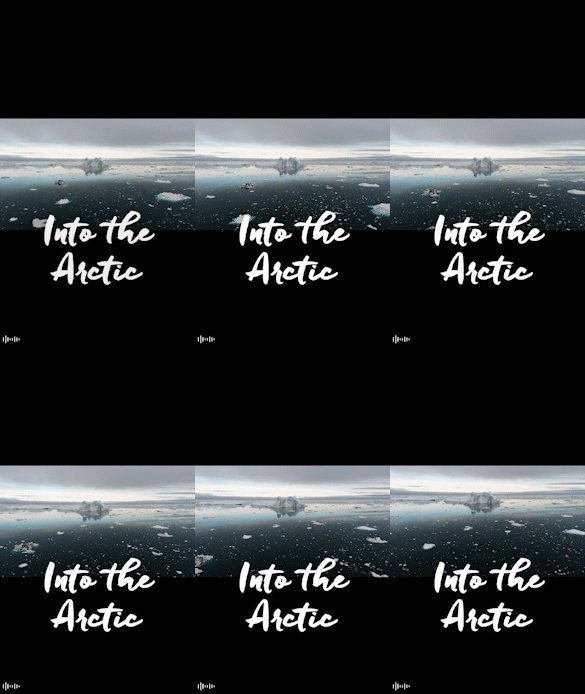
Images and videos should take up the entire screen with minimal use of letterboxing.
Video
Videos help provide a more immersive experience. Keep videos on the shorter side, ideally around 15 seconds. Longer videos should be broken into shorter clips across multiple pages.
Similar to social media, stories are consumed in portrait mode, so keep in mind the following:
- Shoot video in high-end mobile devices when possible.
- Shoot at 720p rotated (720 x 1280).
DO

DON’T
Video Captions
Videos with narration need captions to be accessible. Not all readers will be able, or want, to hear video content. Add captions to video using MyMedia or Vimeo.
DO

DON’T

Images
Use full width portrait images with good resolution (720 x 1280). The format should be web safe options like .jpg, .png, or .gif. Images uploaded to MyMedia are not supported by the BU Stories plugin.
DO

DON’T

Crop mindfully
Keep the focus on what’s important. Crop out unnecessary or distracting elements, and make sure the key subject of the photo is in focus and complete.
DO

DON’T
