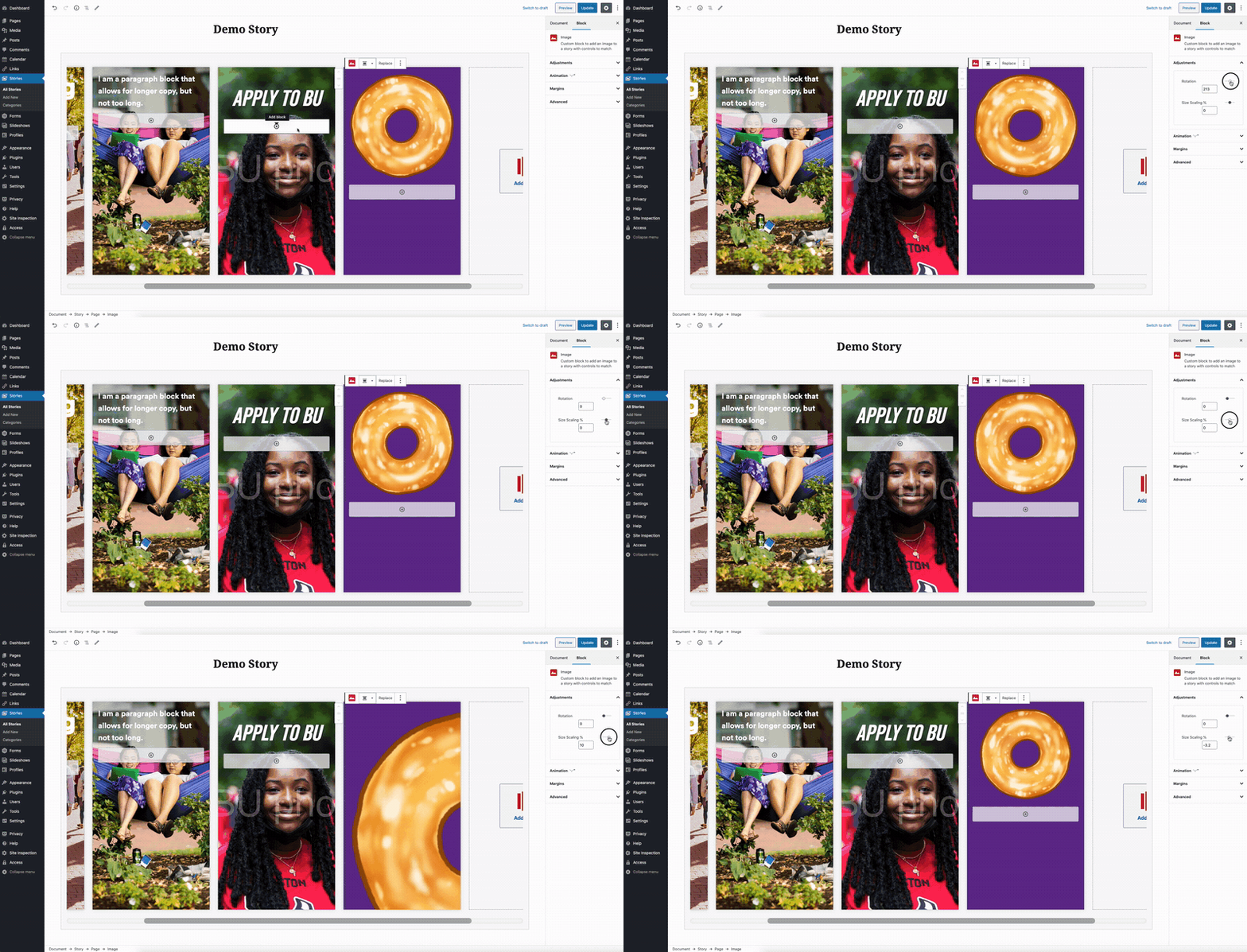
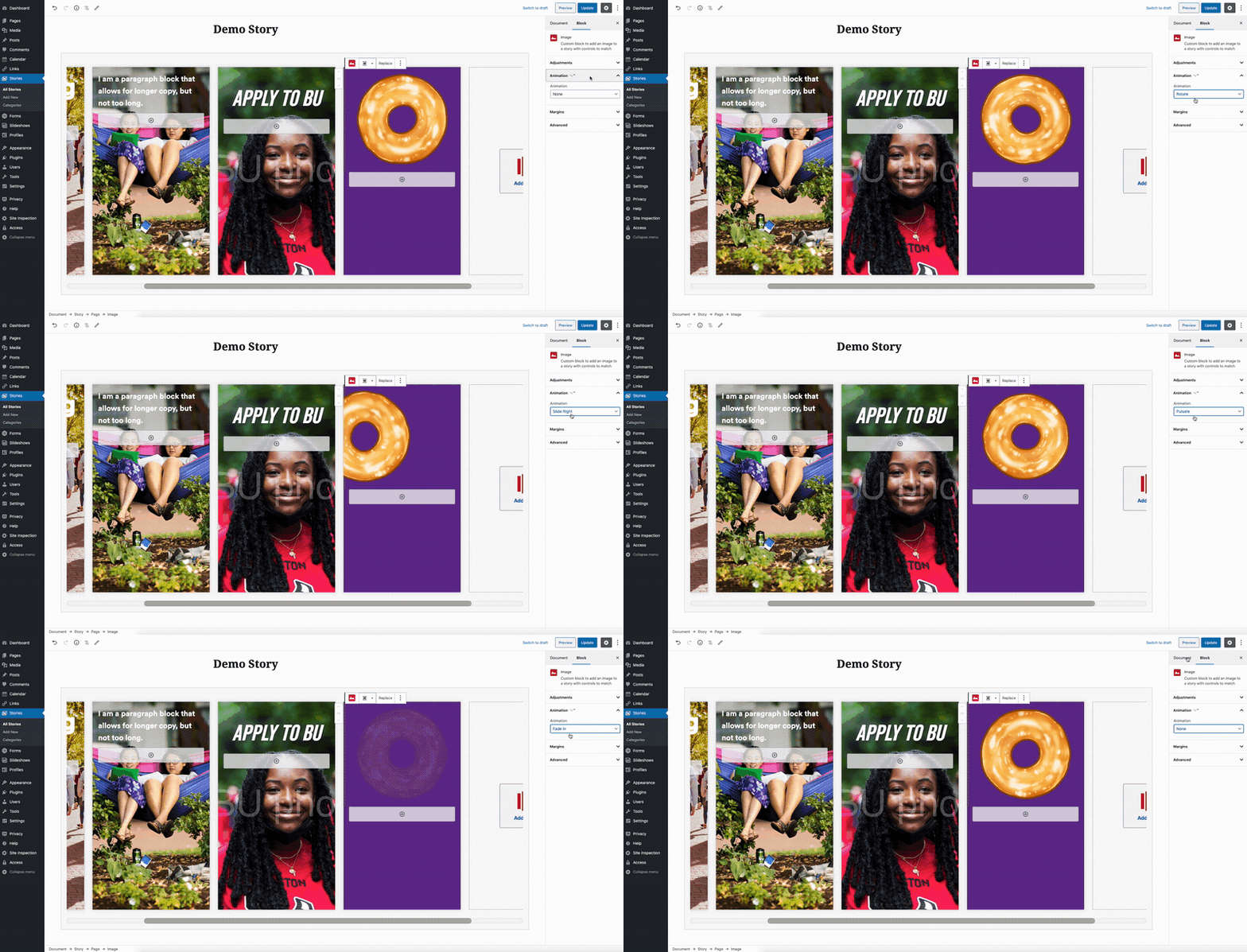
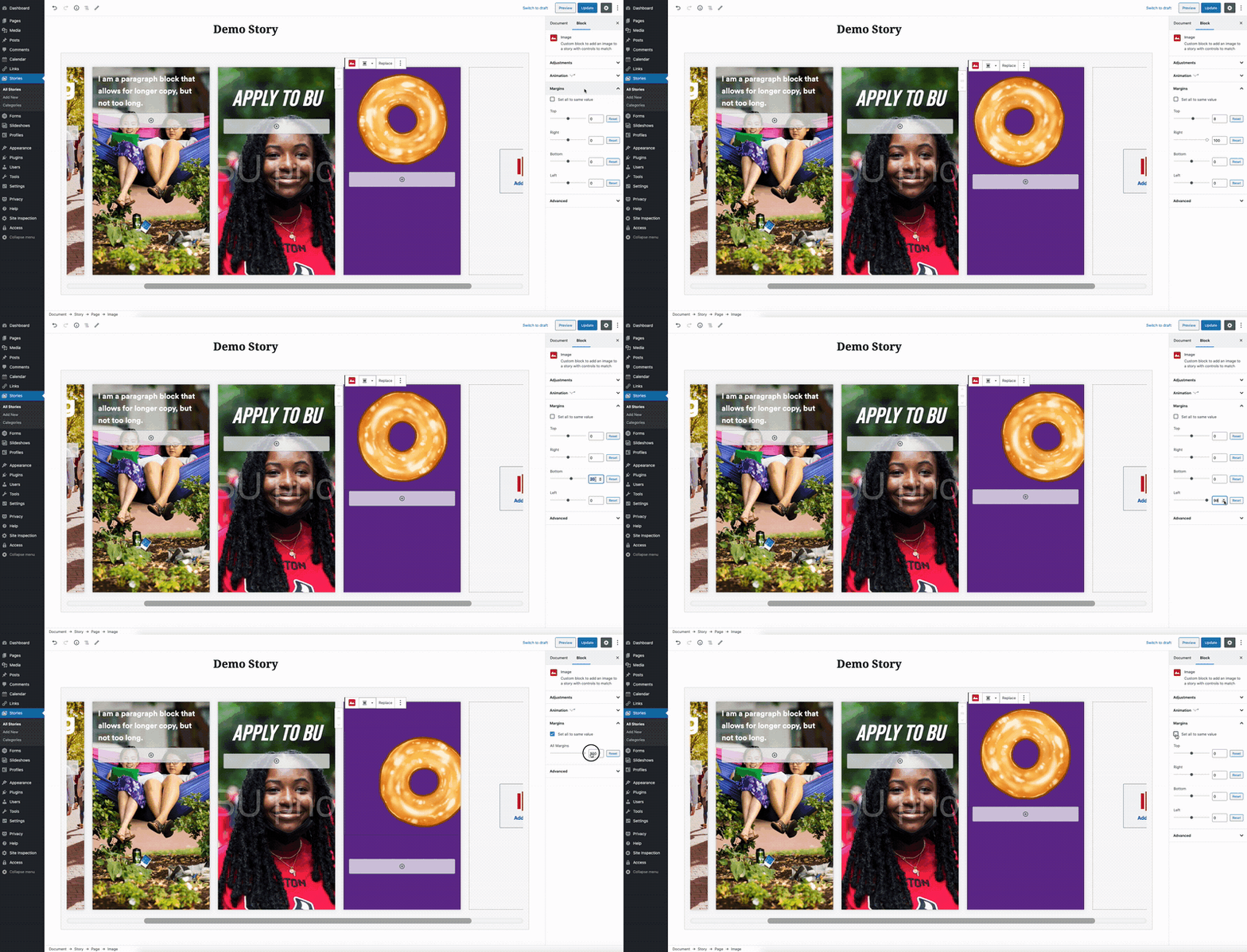
Image
The Image block should be used for adding visual interest to stories, whether inserting images or animated gifs. You can find more detail about customization options below.
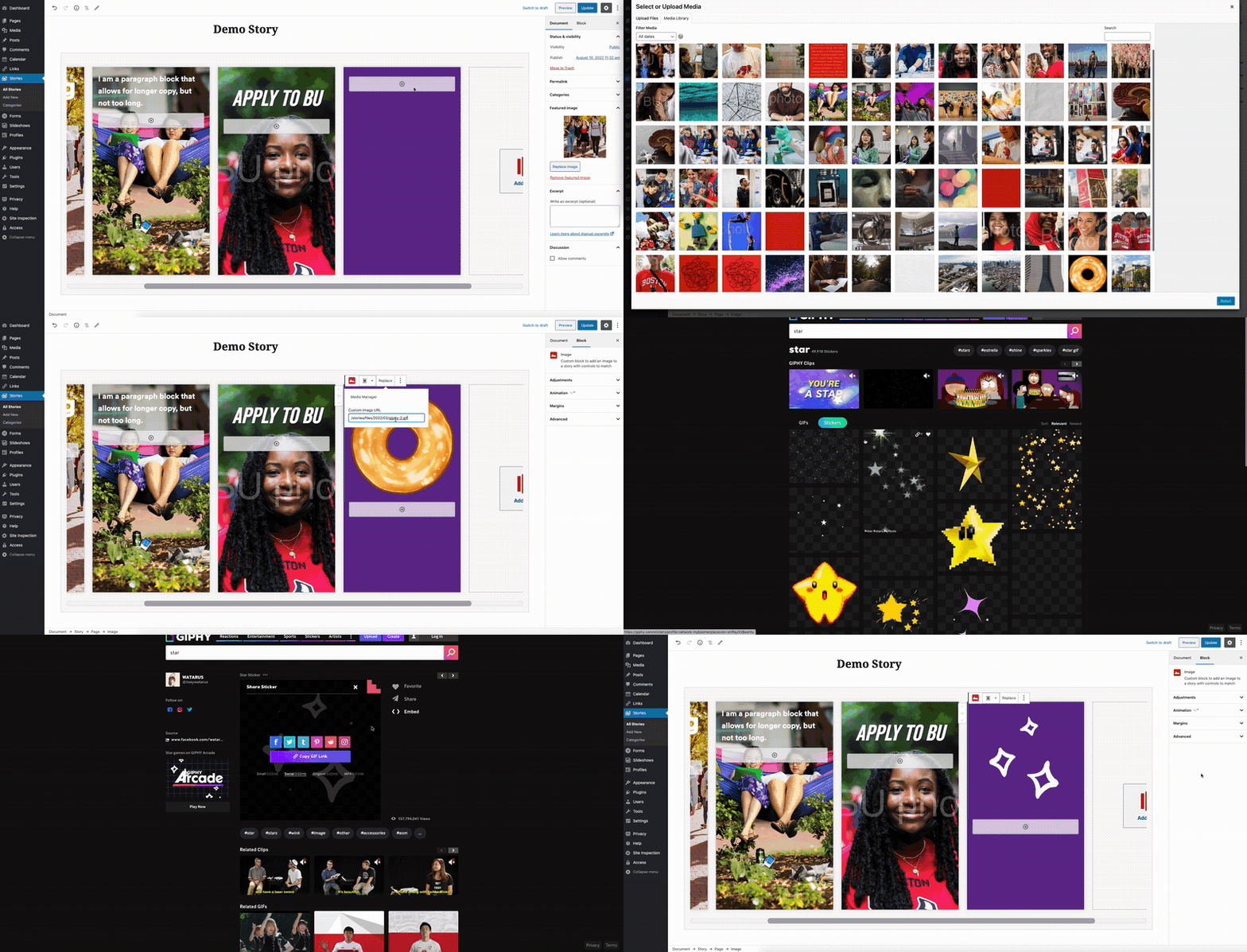
Block Settings
The Block Settings are visible in the right hand side of the editor and will show up when you click on the Image block. If the block settings aren’t visible, click the gear icon in the top right corner, or use the keyboard shortcut SHIFT + CMD + ,
There are a variety of collapsible panels in the settings bar that will allow you to further customize the Image block. Expand the section(s) below to learn more about the options each panel provides.