Photo Research
Find Photography, Videos, and Gifs
There are a variety of places to source your photography, videos, and gifs for your stories. Make sure to keep in mind our best practices for visuals.
- BU Photography/Cumulus
- BU Brand Stock Photography (free)
- Unsplash (free)
- Pexels (free)
- iStock
- Giphy (stickers are ideal for stories)
Note that we recommend using low resolution photos as placeholders until approval. Once the story is finalized, purchase high resolution photos and swap them in.
Gather Your Assets
Find photos that will work well for your story and gather the low resolution, watermarked images into a single folder for your convenience.
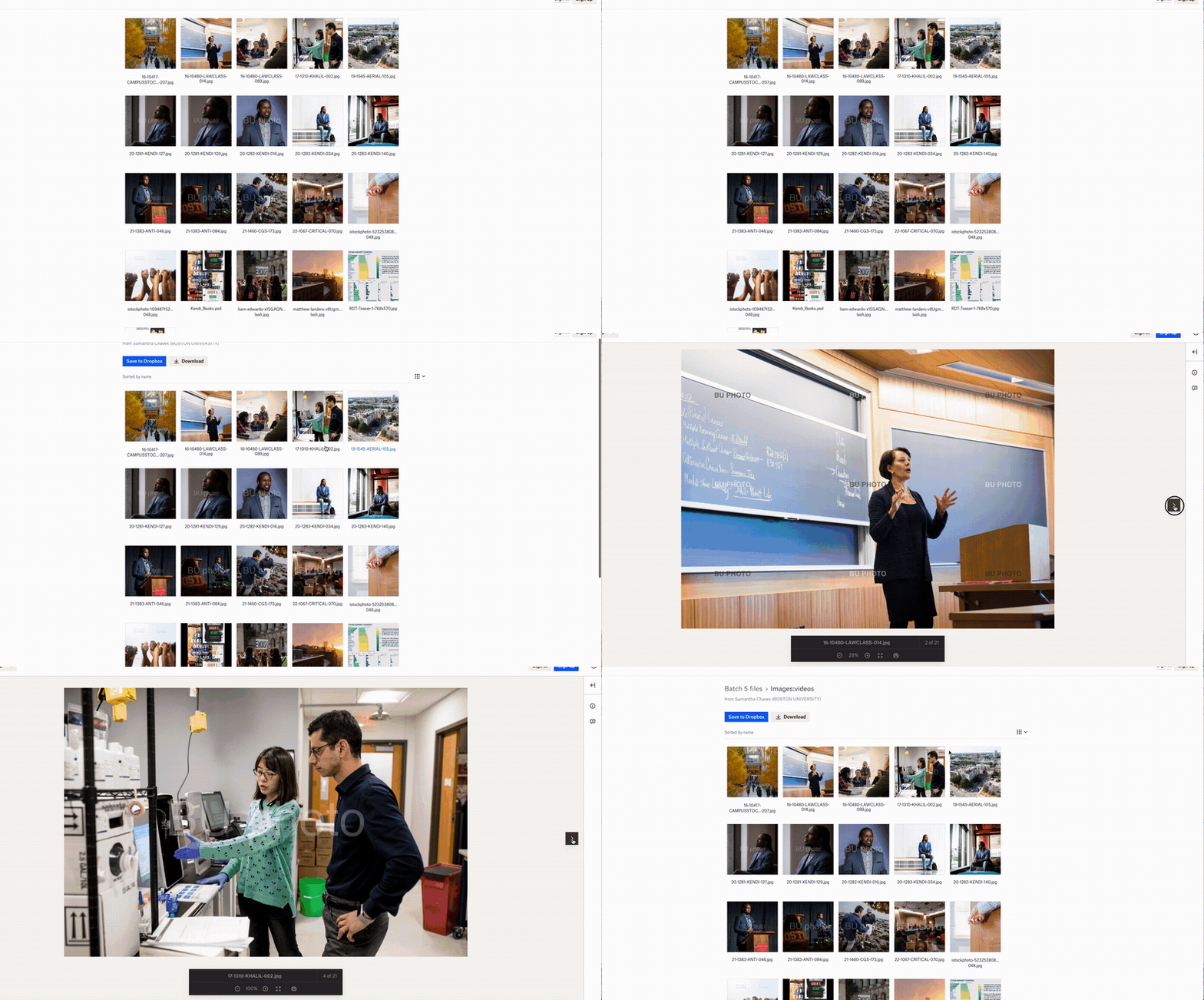
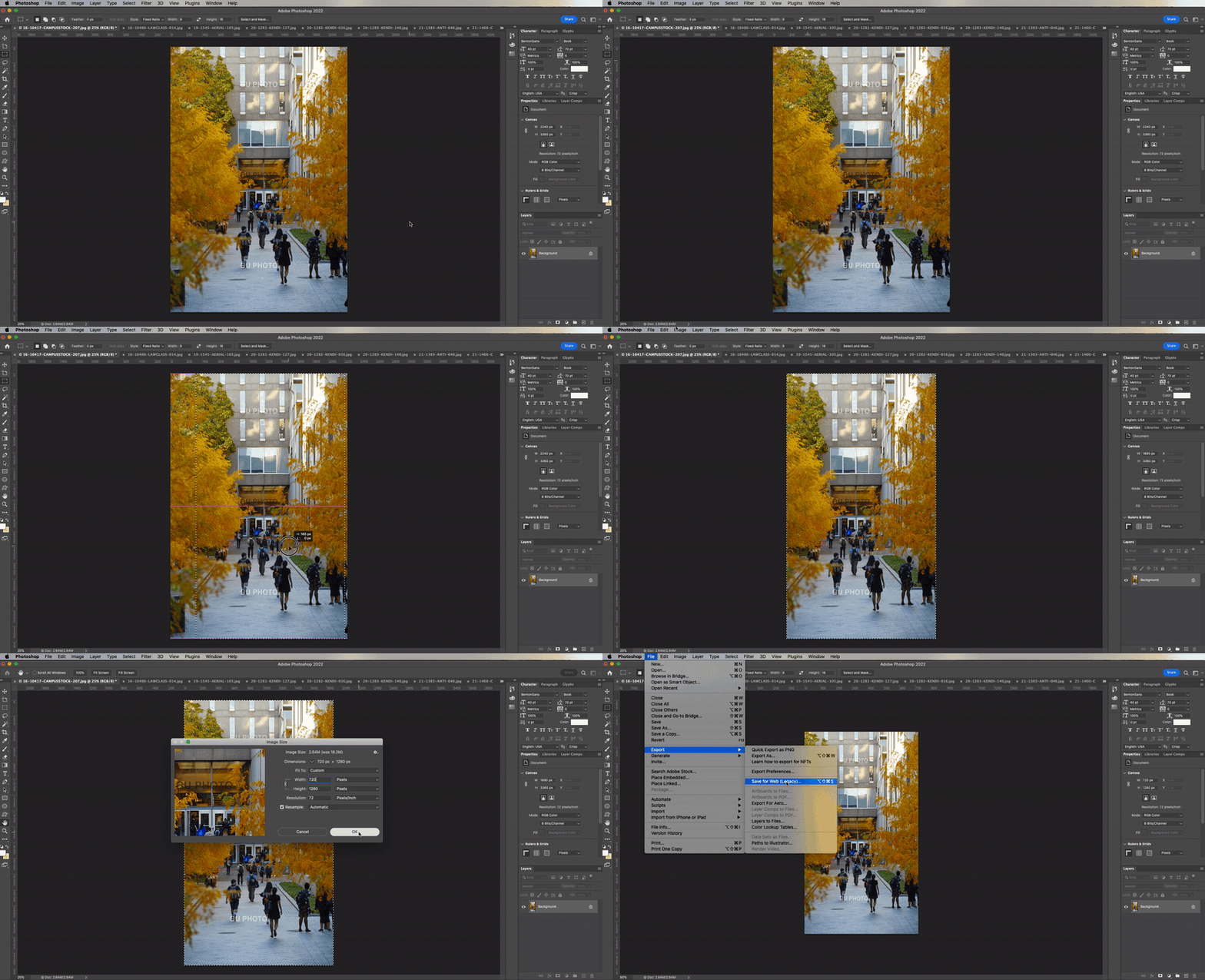
Crop Photos
In your photo editor of choice, crop the photos to the recommended aspect ratio of 9:16. We recommend resizing the photos to 720 x 1280.
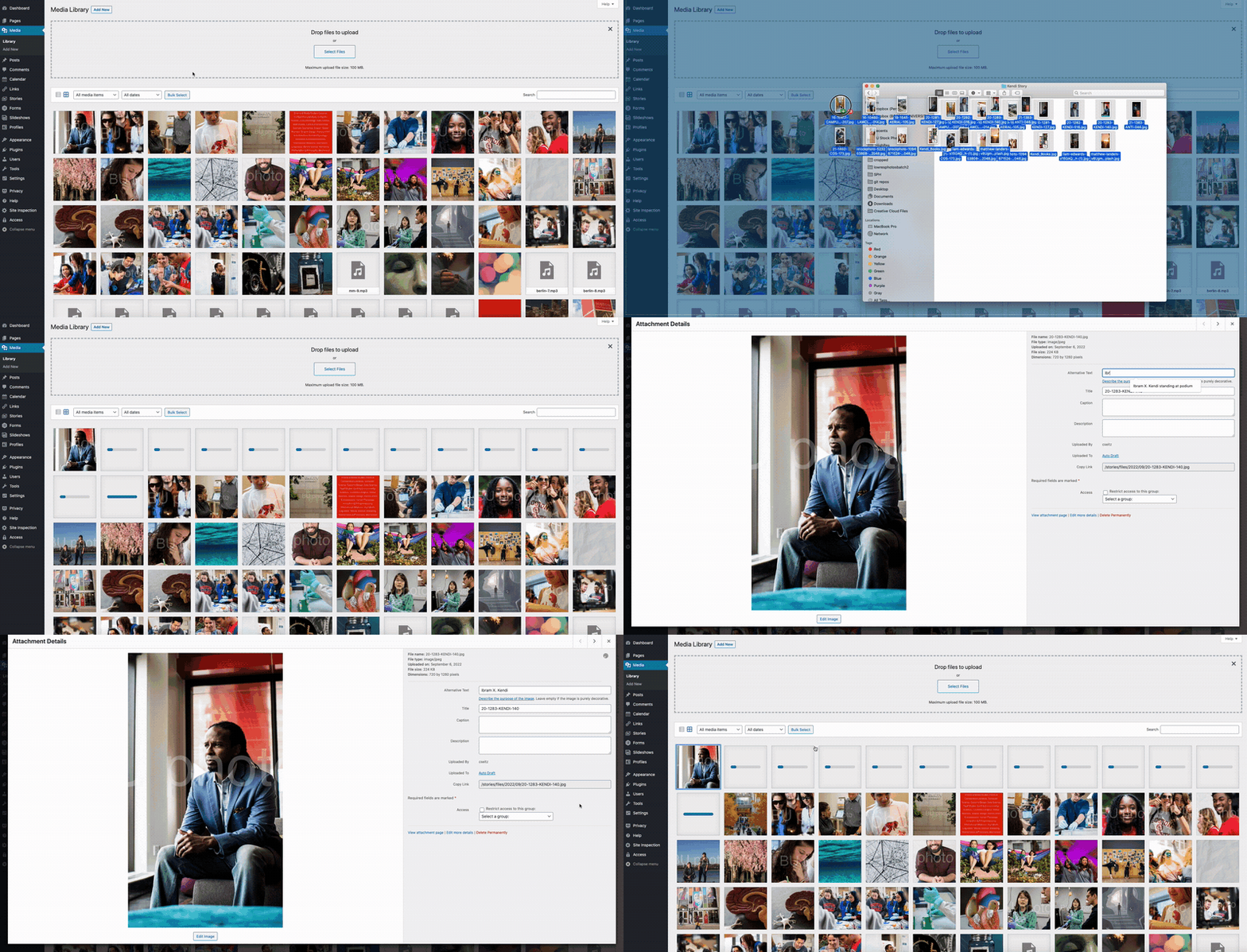
Upload to Media Library
Upload your folder to the Media Library in WordPress so you have them readily available for you while building out stories. We also recommend providing Alternative Text for images used in your story to ensure accessibility for all users.
Upload Video to MyMedia
Any video you use should be uploaded to MyMedia, BU’s video hosting platform. Remember to generate and customize captions so your video is fully accessible.